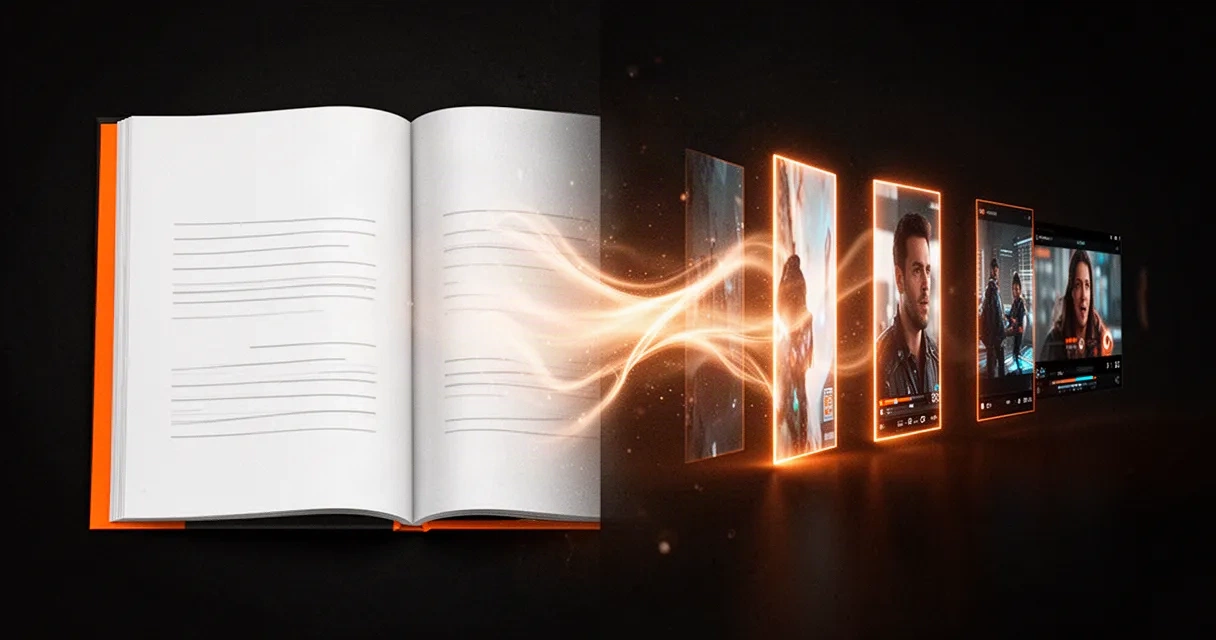
How to Turn a Blog Post Into a Short Video (Without Rewriting It)
Your post already has the research and the argument. Which posts make good short videos, how much fits in 40 seconds, how to stay faithful to what you wrote, and how to do it in a few minutes.
 Muneeb
A blog post and a short video reach two different kinds of people. The post reaches someone who typed a question into Google. The video reaches someone who never searched for anything and is scrolling YouTube Shorts or TikTok on the bus. If you only publish the post, the second group never finds out you exist.
The good news is that you've already done the hard part. The research, the argument and the examples are in the post. Turning it into a 30 to 60 second video is mostly a job of choosing, not writing. This guide covers which posts make good videos, how much of a post fits in one, how to keep the video faithful to what you wrote, and how to do it in a few minutes.
Which posts make good videos
Not every post survives the trip. The ones that do usually have one of these:
- One clear idea. "Why tasks that are just hard enough keep you motivated" works. "Ten thoughts on productivity" doesn't, unless you pick one of the ten.
- Steps or a short list. How-tos and checklists turn naturally into scenes: one step, one picture, one line of narration.
- A surprising fact or a strong claim. It becomes the hook, the first two seconds that decide whether anyone keeps watching.
- Ideas that don't depend on the page. If the value is in a table, a code sample or a long comparison chart, the video can only point to it.
Link roundups, news that's already stale and long personal essays without a single point are hard to turn into short videos. Write a different post for those, or skip them.
How much of a post fits in a short video
Less than you'd think. A narrator speaks about two and a half words a second, so a 40 second video holds around 100 spoken words. That's three to five points, not the whole post.
So don't summarise the post. Pick an angle:
- The one idea, explained simply, for a post built around a single argument.
- The steps, one per scene, for a how-to.
- The most surprising thing in it, then the reason it's true, for a post with a strong finding.
Whatever you cut is still in the post. A good short video works as a trailer that sends the curious to read the rest.
The shape of the video
Short videos that hold attention tend to follow the same shape:
- The hook. The most surprising claim, or the question the post answers, in one sentence. No greeting, no "in this video".
- The points, in the post's own order. One per scene. Keeping your order keeps your argument intact.
- The close. One line on what to do with it, and where to read the full post.
Captions matter as much as the voice. Many people scroll with the sound off, and words on screen are what stop them.
Stay faithful to what you wrote
A summary drifts easily. A number gets rounded, "often" turns into "always", and suddenly the video says something the post never claimed. Two rules prevent most of it:
- Every number in the video should be in the post. If it isn't, it doesn't go in.
- Keep the post's hedges. If you wrote "in our tests", the video says it too.
If the article isn't yours, don't present someone else's work as your own: credit the source in the video and link to it in the description. Turning another writer's article into a video is a way to share it, not to take it.
One picture per idea
Each scene needs something to look at. Pick one visual style for the whole video, whether that's illustrations, realistic images, short AI video clips or stock footage, and stay in it. Switching styles from scene to scene looks like a slideshow of borrowed parts. The picture should show what the line is about, not decorate it.
Doing it in a few minutes with VidCadence
This is what our Blog to Video and Article to Video tools are built for. They follow the steps above for you:
- Paste a link, or the text. We read the page when you press Generate. If a page can't be read, because it's behind a paywall or the site asks tools not to read it, paste the text instead and we keep your link for the credit.
- The key points, in the post's order. The script is written from the article only, and every claim is checked against it before anything is voiced. A claim the check can't find in the article is taken out.
- A credit to the source. Unless you tick that you wrote the article, the video ends on a "Source:" card naming the site.
- Your choices. Moving AI images, AI video or stock footage, an art style, a voice, a caption style and a language. The video can be in a different language from the post, which is an easy way to reach readers who'd never find the original.
- The price before you start, in credits, and an editor to adjust scenes afterwards. Videos can be published straight to YouTube and TikTok.
You can see one made this way on the Article to Video page: James Clear's essay on the Goldilocks Rule, told in its own order in under 40 seconds and ending on a card that credits his site.
A quick checklist
Before you publish, check that:
- the post has one idea, or you've chosen one angle;
- the video makes three to five points, with the hook first;
- every number and claim is in the post;
- there's one picture per point, in one style;
- captions are on;
- the description links to the full post, and credits the source if it isn't yours.
Frequently asked questions
How long should the video be? Between 30 and 60 seconds for Shorts and TikTok. Shorter is fine if the post has one simple idea.
Should I make one video per post? One is a good start. A long guide can give two or three videos, each from a different angle, and each can link back to the same post.
Will a video take readers away from my blog? Usually the reverse. The video reaches people who weren't searching, and the ones who want more read the post.
